Design Unique Nail Art Collections with Dreamy Colors and Creative Patterns
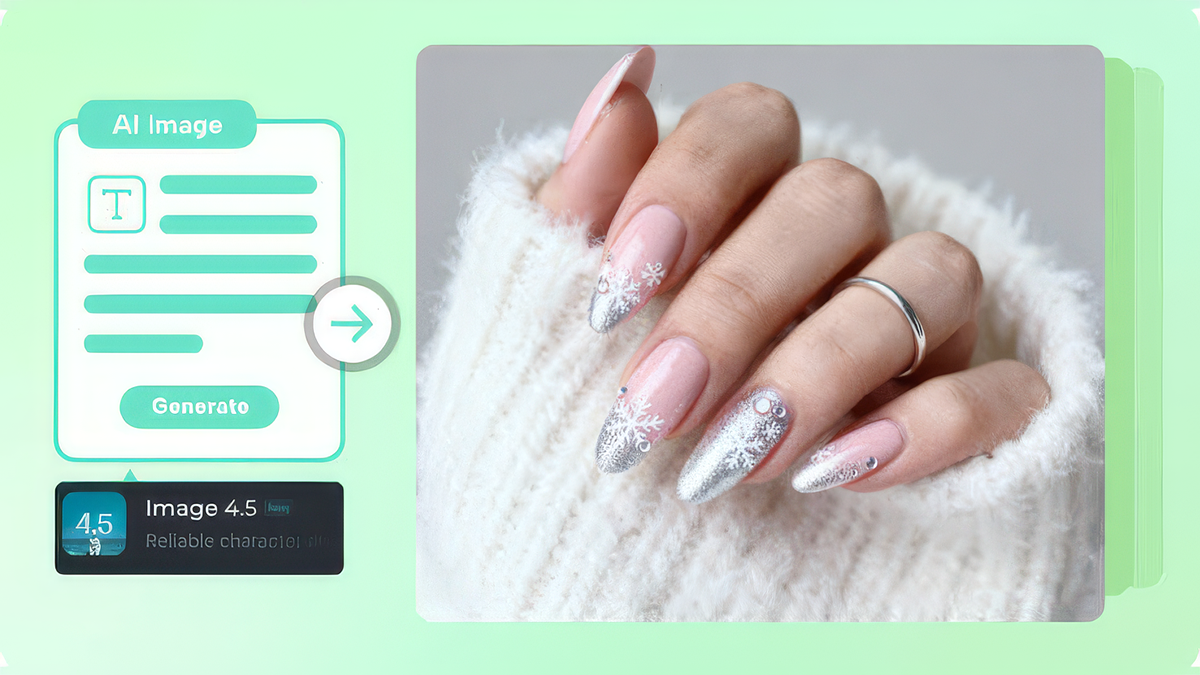
Beauty trends move at a speed no salon calendar can match. One week everyone's pinning glassy chrome, the next it's tiny French tips with a twist. Keeping up usually means scrolling through hundreds of photos and still not finding the exact look you've pictured. That's where you can create images with AI to test ideas before you ever sit in a chair. Describe a design in words, and Dreamina gives you a concept to save, tweak, or show your nail tech. This guide covers how to remix trends, write a clear prompt, and finish a concept board you'll actually use. It's also a nice way to stay in budget.
Trends move fast, nails move faster
A trend usually has a few defining traits: a finish, a color story, a shape. Once you spot those traits, you can mix them in ways nobody has posted yet. That's the fun of concept art. You can try a pearly finish with a deep burgundy base, or a soft French tip with a single tiny charm, without paying for a test set. Seeing the idea first also helps you decide whether you'll still love it in two weeks. Keep a folder of favorites to spot patterns.
Trend ingredients worth remixing
Start with one finish and one color idea:
- Chrome: mirror-like metallics in silver, gold, or rose
- Glazed pearl: a soft, milky shimmer over a sheer base
- Micro French: a thin tip line in an unexpected color
- Jelly: translucent, glossy color with a juicy look
- Negative space: clear patches framing a bold shape
Pick one finish and one accent, rather than mixing everything at once. If you love two finishes, give each its own hand.
Design your set in three Dreamina steps
Step 1: Write a text prompt
Open Dreamina and write a detailed text prompt describing the hand, the nail shape, the finish, and the colors.
Try this one: A close-up photo of a manicured hand resting on a cream silk cloth, almond-shaped nails in a milky glazed pearl finish over a sheer pink base, thin burgundy micro French tips, one nail with a tiny gold charm, soft studio lighting, shallow depth of field, clean and glossy beauty photography style.
Mention the hand pose you prefer, since it changes how the design reads.

Step 2: Adjust parameters and generate
Pick your model, choose an aspect ratio (square or vertical suits social posts and mood boards), set the size, and select 1K or 2K resolution. Then click Dreamina's icon to generate. Use 2K when you want fine details like charms and gradients to hold up. Generate a few variations and compare them side by side.

Step 3: Customize and download
Use Dreamina's AI customization options to refine the concept. Inpaint fixes a single nail, expand makes room around the hand, remove clears distracting objects, and retouch smooths rough areas. When you're happy, click the Download icon to save it. Small edits are often enough to get a design from nearly right to exactly right.

Describing nails clearly
Nail concepts live in the details, so name them. Give the shape, such as almond, square, coffin, or short oval. Mention the length, the finish, and the exact colors. Say how the hand is posed, since an open palm or relaxed fingers shows the design best. Add a lighting phrase like "soft window light" to keep reflections realistic. If something looks odd, such as an extra finger or strange cuticle, regenerate or fix that area with inpaint. Take notes on the details you love so you can reuse them.
What Seedream 5.0 Pro does for tiny, detailed designs
Nail art is all small details, and Seedream 5.0 Pro helps in a few ways.
Precise edits on a single nail
Point selection, lasso, and sketch guidance let you change one nail without disturbing the rest of the hand. That's handy for fixing a stubborn charm.
Crisp 2K output
Higher resolution keeps gradients, charms, and glossy highlights sharp. Fine details are what make nail art feel real.
Layers for easier changes
Subjects, backgrounds, and effects are separated, so swapping a cloth or backdrop doesn't touch the manicure. It's an easy way to try other backdrops.
Fewer rounds of revision
Precise editing means less regenerating and more time choosing a favorite. That means more time choosing.
Taking a concept to your nail tech
Treat your generated image as inspiration, not a blueprint. Some effects, like perfect reflective surfaces or impossible gradients, may be hard to recreate with real polish. Show your nail tech the concept, then ask what's realistic for your nail length and shape. Bring two or three variations so they can pick the closest match. A good tech will adapt the idea, and the final result may even beat the picture. A screenshot on your phone makes the conversation easier.

Mixing trends without clutter
The most appealing nail designs usually have one star. Choose a hero element, like a charm, a chrome tip, or a bold color, and keep the rest quiet. Limit your palette to two or three shades, and repeat a motif on only one or two nails rather than all ten. Ask yourself whether a stranger would understand the design in a quick glance. If the answer is no, simplify the prompt and try again. Less is usually more with tiny canvases.
From trend to your own style
Trends are starting points, and the best nail art ends up looking personal. Dreamina and Seedream 5.0 Pro let you test a dozen ideas before you commit to one. Write a prompt, tweak the details, and save the concept you love most. Your next manicure might start as a picture you made yourself. Save your favorites in a folder for the next appointment.


